
How does BucketFaq work?
BucketFaq helps you find information about vehicle damage history. Search for a vehicle using its VIN, explore available accident and repair records, or contribute information you know to the database.
Vehicle history built by users
When buying a used car, knowing its make, model and year of manufacture is only part of the picture. Information about previous damage, road accidents and repairs can help you better assess the vehicle's condition.
BucketFaq is building a shared database of vehicles with recorded damage history. Users can search for available records by VIN, review supporting materials and contribute additional information to a vehicle's history.
The database is growing over time. It does not guarantee a complete history for every vehicle and cannot replace document verification, technical diagnostics or an independent vehicle inspection.
Find a vehicle by its VIN
A VIN is a unique vehicle identification number that usually consists of 17 characters. You can find it in registration documents, near the lower edge of the windscreen, on a door pillar or on other parts of the vehicle's body.
Enter the VIN in the BucketFaq search form. The system checks its format and attempts to find the corresponding vehicle in its own database.
If the vehicle is found, you will see the available information about it and may proceed to its recorded history according to the platform's current access rules.
If no record is found, this does not mean the vehicle has never been involved in an accident or suffered damage. It only means that BucketFaq currently has no available record for that vehicle.
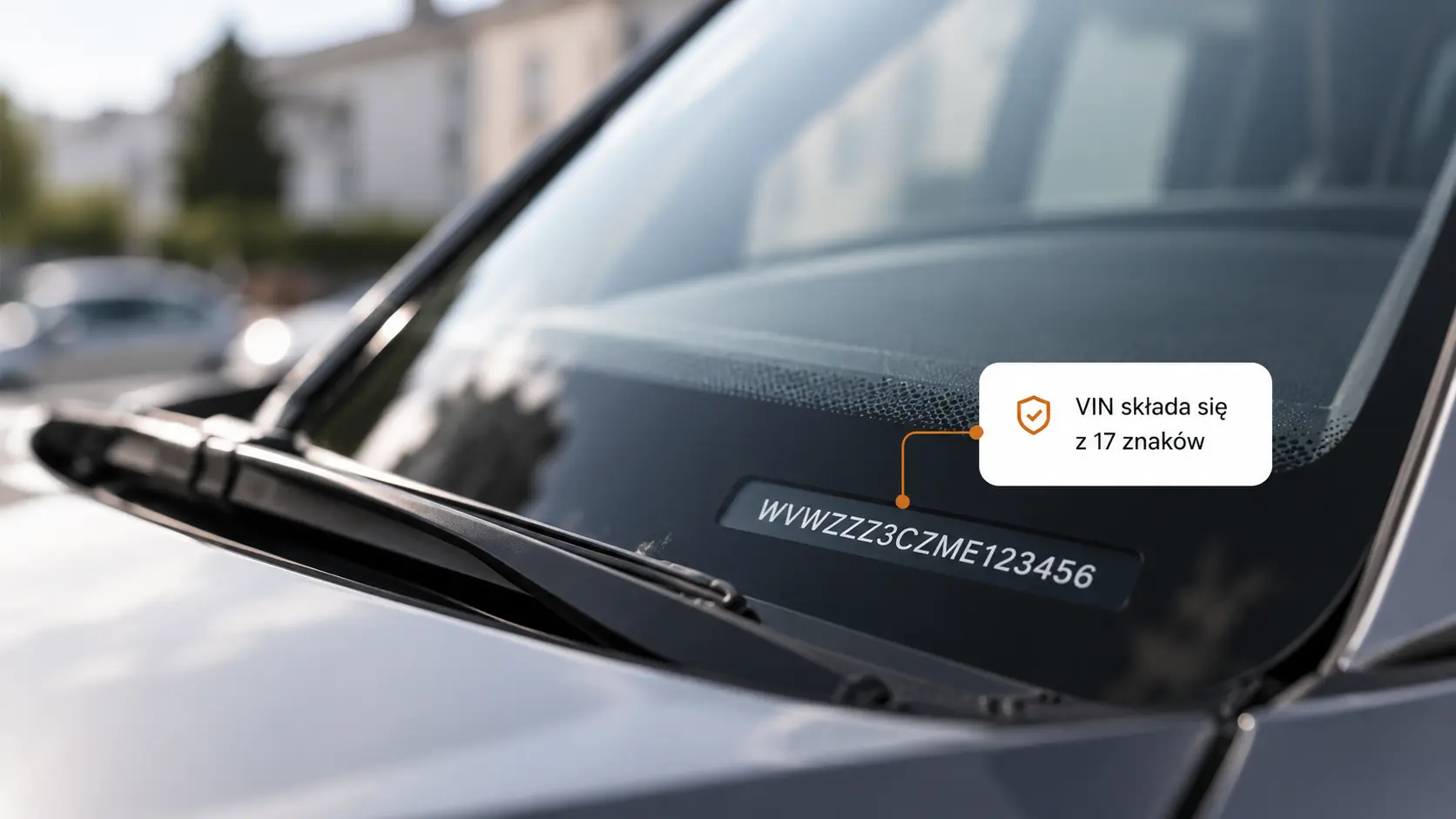
- Compare the VIN in the documents with the number displayed on the vehicle.
- Check that all 17 characters are correct before searching.
- Do not assess a vehicle's technical condition solely from search results.
Explore the available vehicle history
If BucketFaq contains records for a vehicle, its history may include information about road accidents, body damage, repairs and other related events.
Each event may include a date, reported mileage, country or location, a description of the circumstances and vehicle photographs. The availability of specific details depends on the information submitted by users.
Records are organized into a vehicle history to make it easier to review events and compare the available supporting materials.
Information in BucketFaq should be treated as an additional source of vehicle history information, not as official confirmation of its technical condition or complete past.
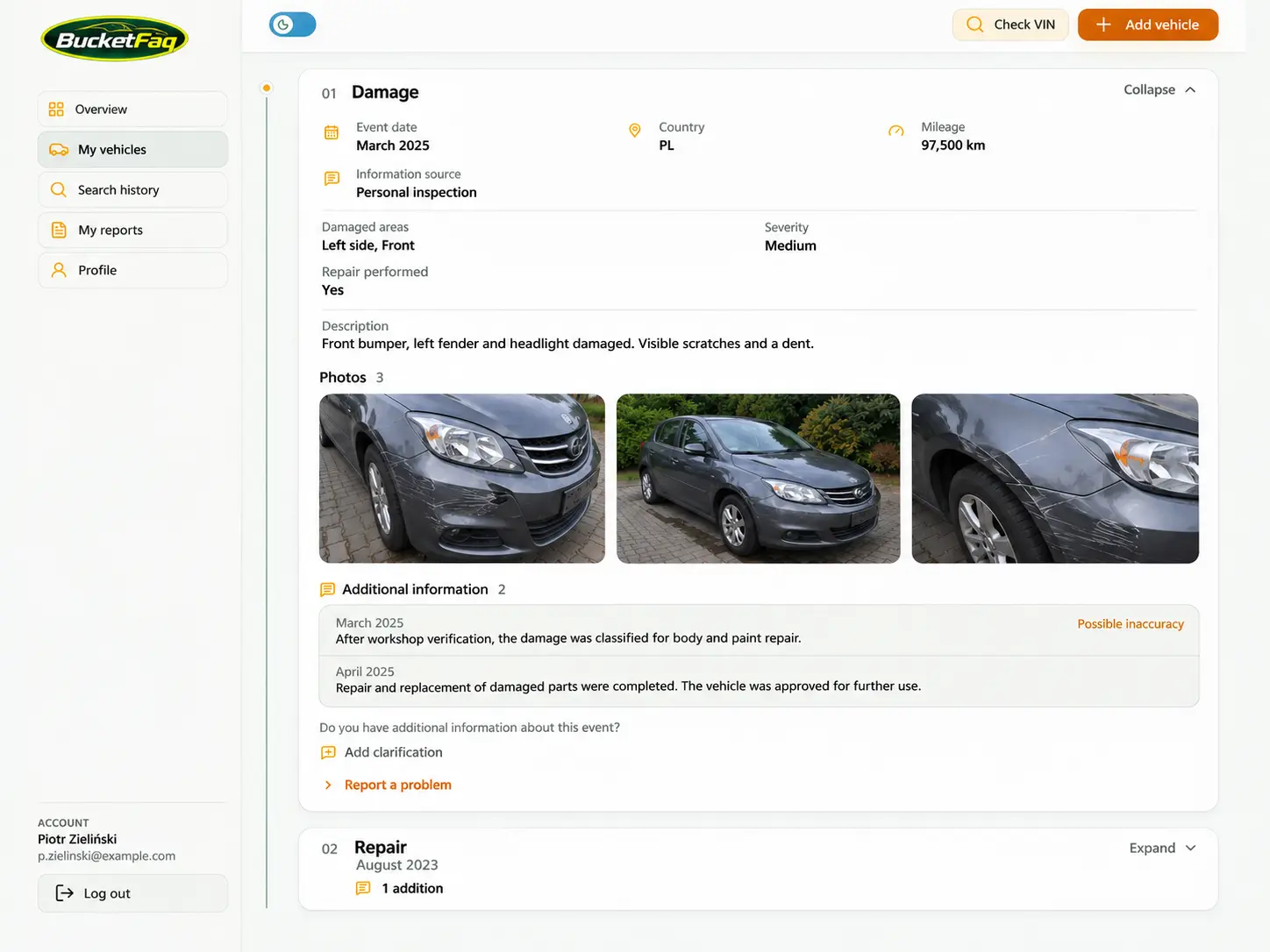
- Review records of damage, accidents and repairs.
Create your BucketFaq account
Public search allows you to check whether a vehicle is listed in the database. To contribute your own records, you need to register or sign in to an existing account.
After signing in, users gain access to the relevant features of their dashboard. They can work with vehicles they have added, review their activity history and manage submitted information within the available functionality.
Registration helps associate contributed records with user accounts and supports accountability for materials published in the shared database.
At this stage, BucketFaq does not sell reports or offer paid subscriptions. Access to specific information is determined by the platform's current access rules.
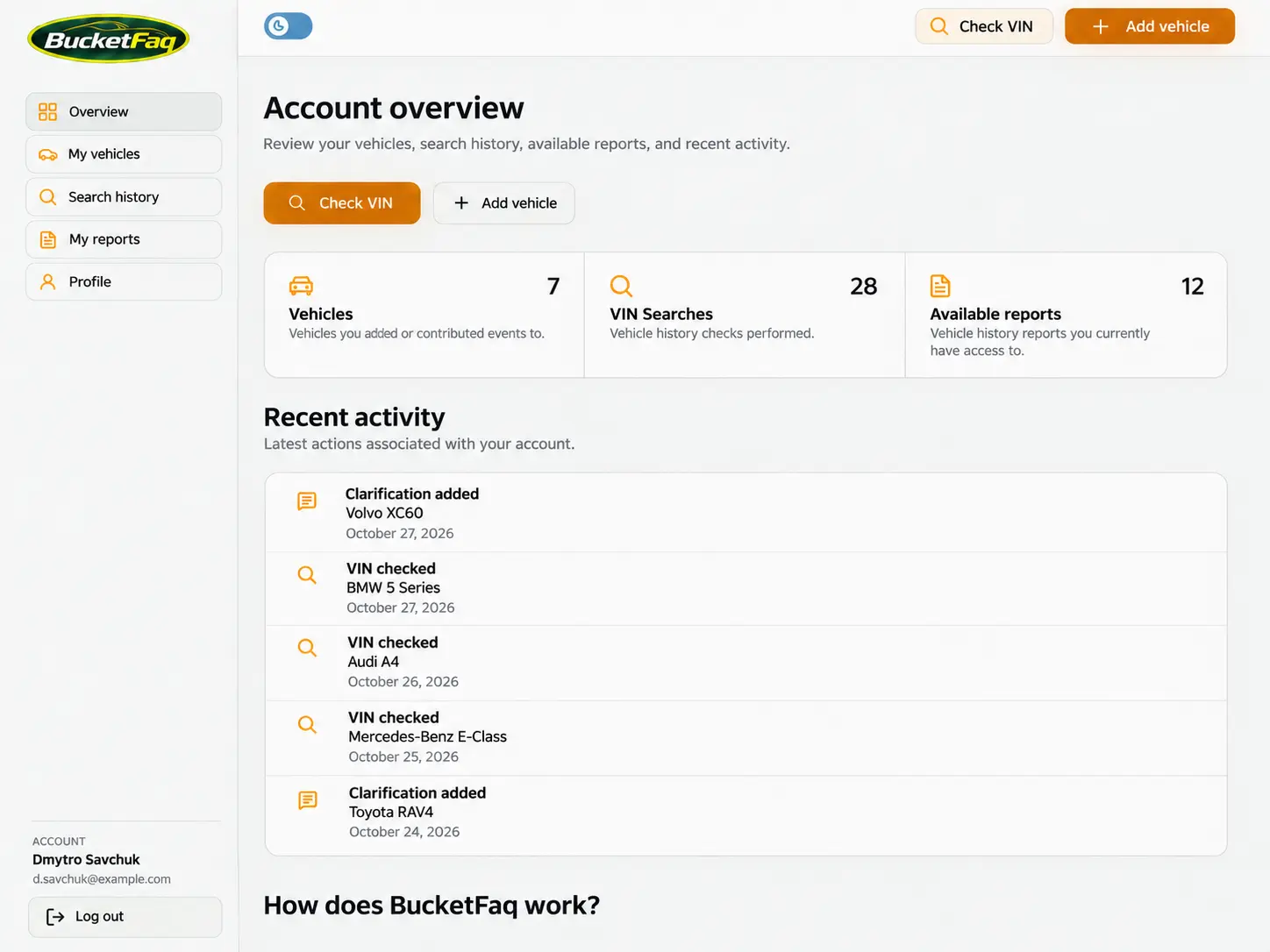
- Create a new account or sign in to an existing one.
Add a vehicle or contribute to its history
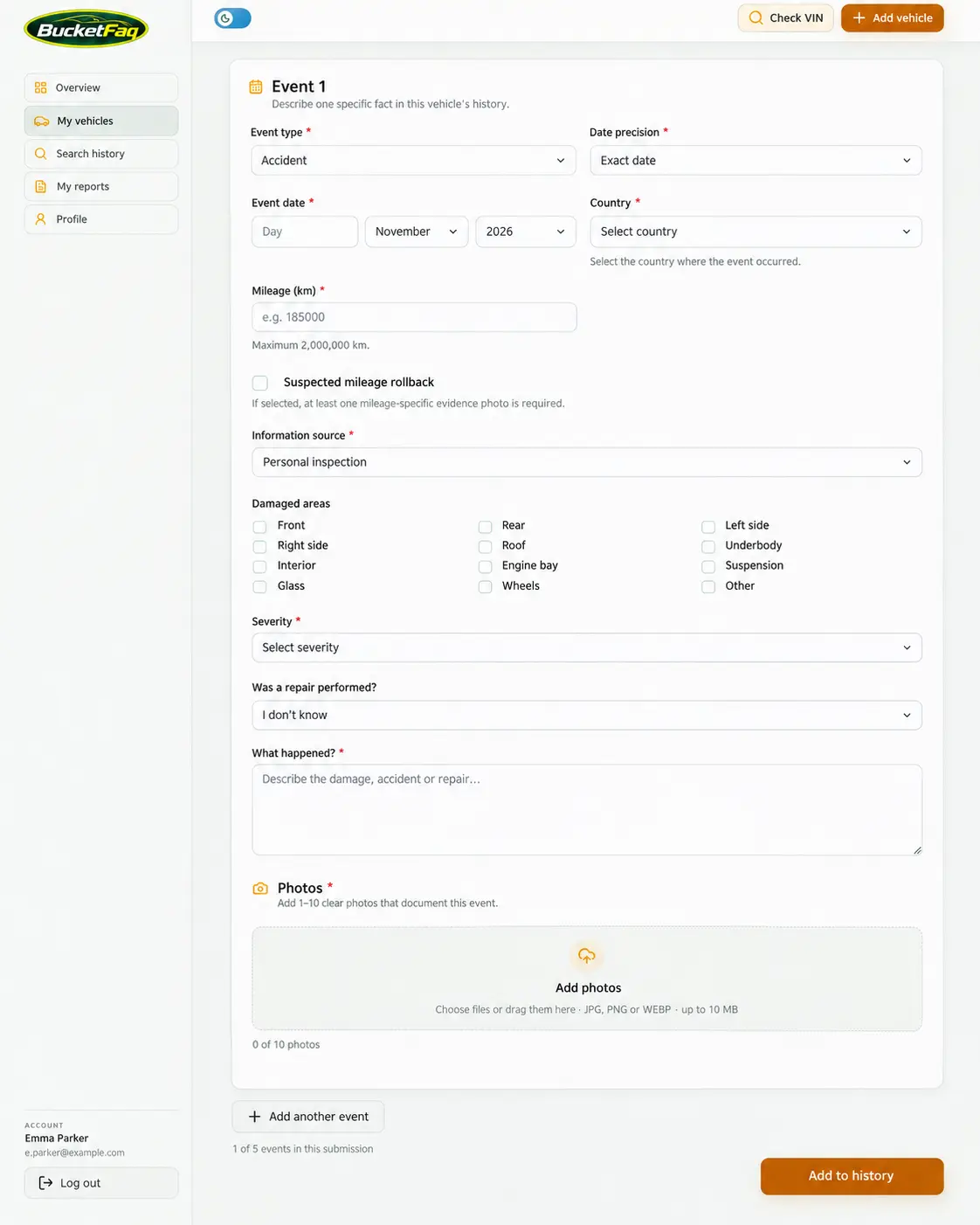
If you have reliable information about a vehicle's damage history, you can share it with other BucketFaq users.
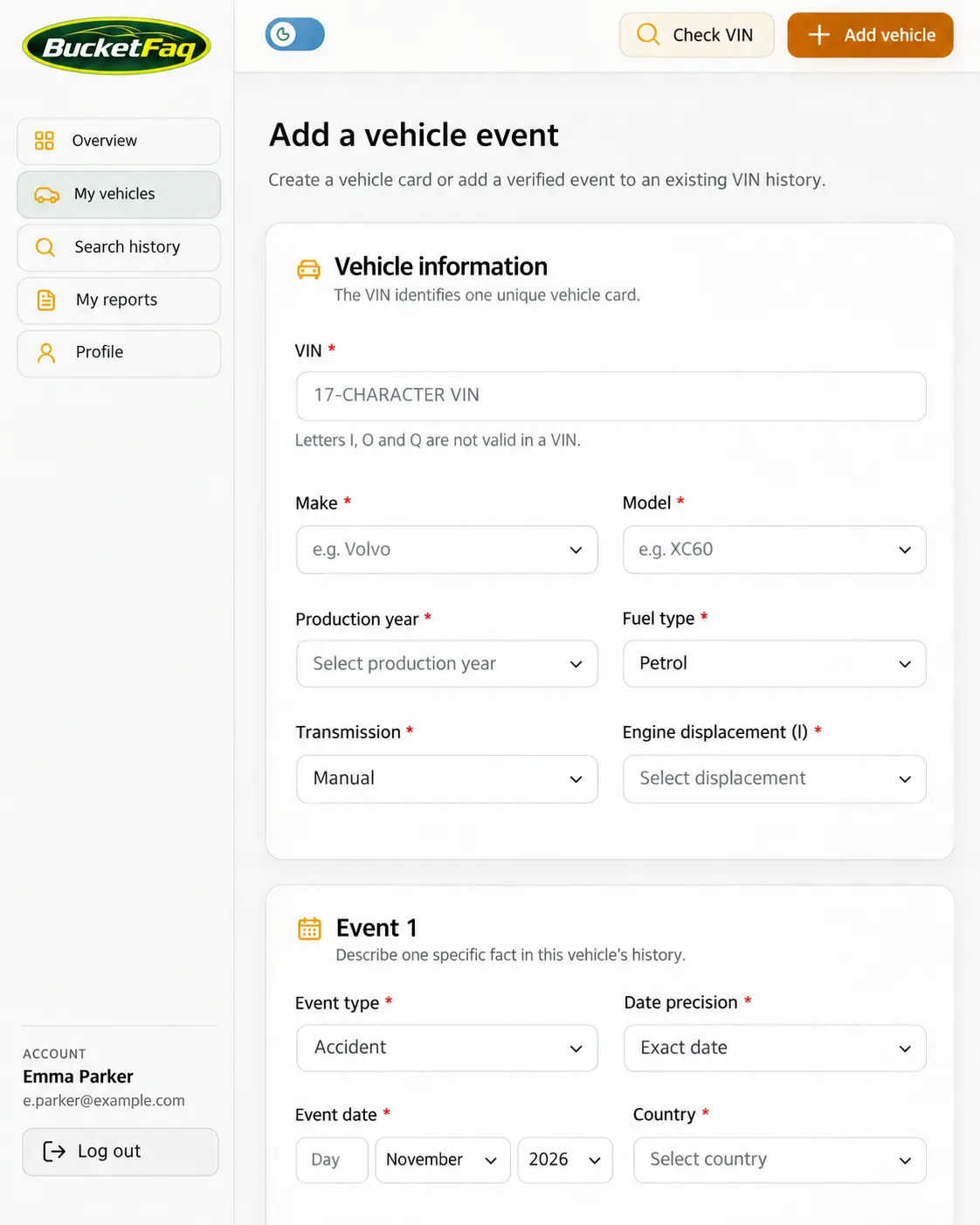
Start with the VIN. Before creating a new vehicle record, the system checks whether a vehicle with the same identifier already exists in the database. This helps prevent duplicate vehicle records.
If the vehicle is not yet listed, you can create its record and add information about a known event. If the vehicle is already registered, new information should be added to its existing history rather than creating another record with the same VIN.
You can include a description of the circumstances, details of damage or repairs, and photographs where supported by the submission form. Only contribute information you have reasonable grounds to believe is accurate and materials you have the right to use.
How records are published and complaints are handled
BucketFaq is designed to publish new records without requiring an administrator to manually approve each event in advance. Before information is saved, it should pass the necessary technical checks, including VIN format validation, duplicate vehicle detection and upload requirements.
Automatic publication does not mean that administrators have verified or confirmed the accuracy of the submitted information. Contributors are responsible for their content in accordance with the platform's terms and applicable laws.
If you notice inaccurate, false, outdated or unlawfully published information, report the issue to BucketFaq administrators through an available contact channel.
After reviewing a report, an administrator may correct the record, restrict its visibility or remove the relevant materials in accordance with the platform's rules.